
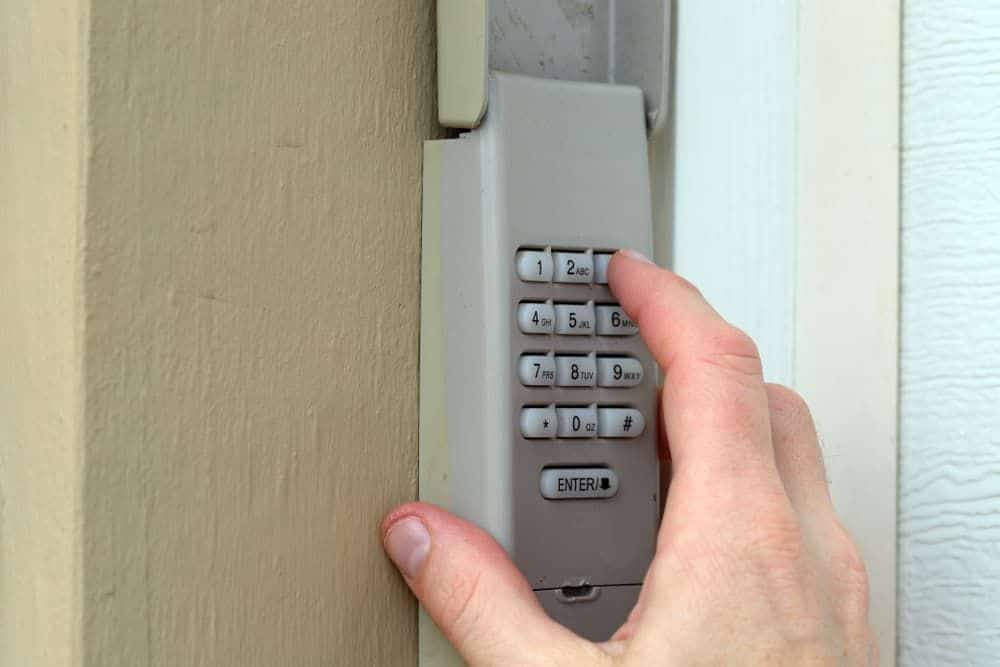
Changing the access code on a Chamberlain garage door opener keypad helps homeowners maintain controlled entry to their garage door system while keeping everyday access convenient. When a PIN becomes outdated or is shared too widely, updating the code ensures the keypad continues to work as intended.
A garage door keypad allows keyless entry without using a remote or wall control, making it a common feature on many modern opener systems. Understanding how the code change process works can help homeowners recognize when the system is operating normally and when programming issues may affect keypad access.
Why Would a Homeowner Need to Update a Keypad Access Code?
A keypad access code often needs to be updated after access has changed, a previously used PIN is no longer private, or the entry system starts showing signs that the stored code no longer matches normal use.
Common reasons a homeowner may need to change the code include:
- Family members or regular users now need a different shared PIN.
- Guests, contractors, or former occupants may still be familiar with the old code.
- Recent updates to the opener may have affected stored keypad access settings.
- The current PIN may be entered successfully, but fails to activate the system every time.
- Confusion about which code is active can develop after earlier programming changes.
To understand how code changes fit into the full setup process of a Chamberlain entry system, read our guide on How to Program a Chamberlain Garage Door Opener Keypad, which explains how the keypad and opener store and recognize access settings.
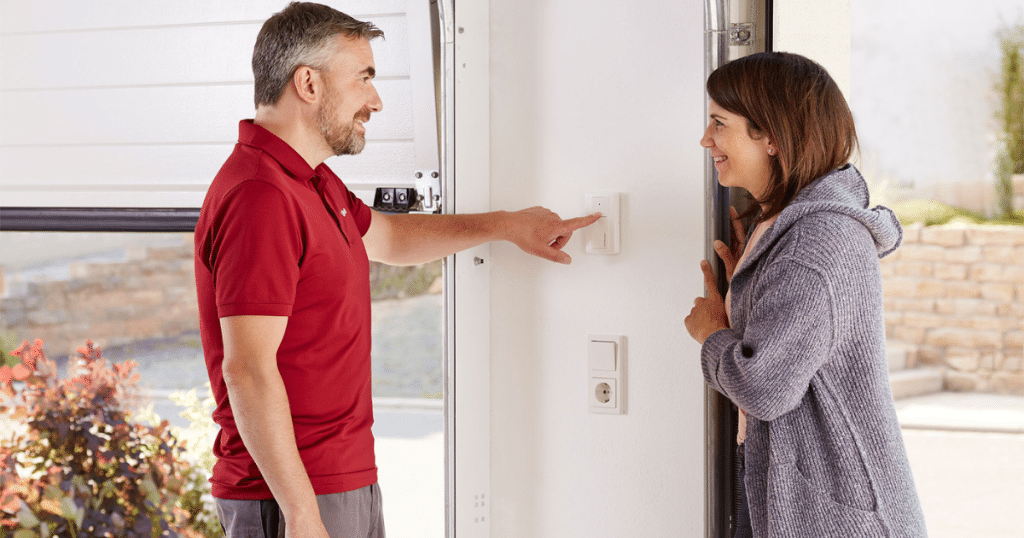
What to Know Before Changing a Chamberlain Garage Door Opener Keypad Code
Before changing the code, it helps to understand a few system details that can affect whether the keypad accepts and stores the new PIN correctly.
Important things to check before changing the code include:
- The keypad and opener should be compatible so the system can recognize the new entry code.
- Battery strength matters because weak power can interrupt signal transmission during programming.
- Stored opener memory may affect whether a new code saves properly, especially if older access settings remain active.
- Button wear, exposure to weather, or age can affect how the keypad responds during code entry.
- Wireless communication between the keypad and the opener must work properly for the update to complete.
Problems with compatibility, stored memory, or weak signal response can interfere with programming early, and those same conditions may also indicate garage door opener repair if the system is not responding as it should.
How Long Does It Take to Change a Garage Door Opener Keypad Code?
Changing a garage door opener keypad code usually takes only a short time when the keypad, opener, and signal connection are all working properly.
What can affect the time involved includes:
- Keypad and opener compatibility can affect how quickly the new code is accepted.
- Weak batteries may slow the process or cause repeated programming attempts.
- Stored opener memory issues can delay the saving of the new PIN.
- Worn buttons or an inconsistent keypad response can interrupt code entry.
- Wireless signal problems may keep the opener from recognizing the update right away.
A code change that takes longer than expected often points to a keypad or opener issue rather than a normal programming delay.
How to Change a Chamberlain Garage Door Opener Keypad Code
Locate the Learn Button on the Garage Door Opener
Changing the code starts with finding the opener control that allows the keypad to send and store a new access sequence.
Check for these details:
- Learn button placement often sits near the motor housing, light cover, or antenna wire.
- Button color may vary by model and can affect how the programming cycle begins.
- Opener units mounted higher on the ceiling may make the button harder to spot at first glance.
- Surrounding labels or indicator lights often help identify the programming area.
- Older opener models may place the button behind a panel or cover.
Programming begins more smoothly once the opener control is identified, and Chamberlain explains that the learn button opens the pairing window used to sync keypads, remotes, and other accessories.
Enter the Current Access Sequence if Required
Some keypad systems require the existing PIN or an entry sequence before accepting the new code.
Watch for common requirements like:
- Existing code entry may be needed before the keypad enters programming mode.
- Certain models use a sequence of number presses followed by an enter command.
- Input timing can affect whether the keypad recognizes the request.
- Missed button presses may interrupt the programming cycle.
- Older stored settings can sometimes change how the keypad responds.
Proper code entry helps the keypad move from normal access mode into the part of the process where a new PIN can be saved.

Input the New PIN Into the Garage Door Keypad
Entering the new code is when the garage door keypad receives the updated PIN that replaces the previous access setting.
Focus on steps like:
- New PIN entry should be completed without pausing too long between button presses.
- Number selection should be easy to remember but not overly predictable.
- Keypad response lights may show whether the input was accepted.
- Pressing worn buttons too lightly can prevent full number registration.
- Reentry may be required if the keypad exits the sequence too early.
Accurate PIN entry gives the keypad the information it needs before the opener stores the updated code.
Complete the Chamberlain Garage Door Opener Keypad Programming Sequence
After the new PIN is entered, the keypad must send that code through the full programming sequence so the opener can store it.
Pay attention to signs such as:
- Confirmation buttons may need to be pressed once or multiple times, depending on the model.
- Timing matters because the opener may remain in programming mode for only a short window.
- Keypad lights or opener clicks often show that the signal was received.
- Interrupted transmission can stop the programming cycle before it finishes.
- Repeated failed attempts may point to memory, signal, or keypad issues.
A successful programming cycle depends on matching the keypad steps to the opener’s stored logic, and Chamberlain notes that entering the PIN within the active programming window is part of how the opener accepts a changed keypad code.
Wait for Opener Confirmation
Opener confirmation shows that the keypad signal was recognized and that the new code has likely been stored in system memory.
Look for responses such as:
- Opener lights may flash after the code is accepted.
- Clicking sounds from the motor unit can signal stored programming.
- Brief movement or light activity may follow a successful sync.
- A delayed response can suggest the signal was not fully received.
- No confirmation at all may indicate the sequence did not finish.
Confirmation from the opener verifies that the keypad and receiver have completed the code change process.
Test the New Code From Outside the Garage
Final testing confirms whether the updated keypad code consistently activates the opener during normal entry.
Check for results like:
- Full PIN entry should trigger a normal opener response.
- Door movement should begin without repeated attempts.
- Keypad buttons should respond evenly during the test.
- Intermittent activation may point to signal or hardware issues.
- Failed testing after programming may mean the code was never stored.
Successful testing shows that the Chamberlain garage door opener keypad has accepted the new code and can communicate with the opener during everyday operation.
What Can Prevent a Chamberlain Keypad Code From Changing Correctly?
Several keypad or opener issues can interrupt the programming cycle and prevent the new code from saving properly.
Common issues that can block a code change include:
- Weak battery power can reduce signal strength and interrupt communication during programming.
- Incorrect button timing may prevent the keypad from completing the code entry sequence.
- Wireless interference can disrupt the keypad’s transmission of the updated PIN to the opener.
- Stored opener memory issues may keep the system from accepting a new code.
- Worn keypad buttons can cause missed number entries during programming.
- Internal keypad or receiver problems may stop the opener from recognizing the new signal.
To explore why failed code changes can lead to ongoing response problems, read our guide on Why Is My Chamberlain Garage Door Opener Keypad Not Working?, which explains the most common issues that can keep the system from reacting normally.
What Does It Mean if the New Code Does Not Work After Programming?
A new code that does not work after programming usually points to a problem with signal transfer, stored settings, or keypad response rather than the PIN itself.
Common reasons the new code may not work include:
- The keypad may not have saved the new PIN completely during the programming cycle.
- The opener may not have received the updated signal from the keypad.
- Weak battery power can reduce communication during or after programming.
- Wireless interference can disrupt the keypad’s connection to the opener.
- Worn buttons or internal keypad issues can affect how the new code is entered and stored.
Failed code acceptance can sometimes signal the same issues with the signal or receiver that affect other access devices, especially when garage door remote control problems start showing up at the same time.
Common Signs the Garage Door Opener Keypad Needs More Than a Code Change
Some keypad problems point to a larger opener or hardware issue that a simple code update will not correct.
Common signs to watch for include:
- The keypad lights up, but the garage door does not respond after the code is entered.
- The new code works only part of the time and fails without a consistent pattern.
- Certain buttons do not register properly during normal keypad use.
- Programming goes through, but the same access problem returns soon after.
- Other connected entry devices also begin showing unusual response issues.
To review when ongoing keypad issues may call for a full system reset instead of another code update, read our guide on How to Reset a Chamberlain Garage Door Opener Keypad, which explains when clearing stored settings becomes part of restoring normal keypad response.
When to Schedule Service for a Chamberlain Keypad Code Change Problem
Repeated programming trouble can point to a keypad or opener issue that needs professional attention rather than another code change attempt.
Signs it may be time to schedule service include:
- The keypad will not accept a new code after multiple programming attempts.
- Wireless response keeps failing even after the code is reentered.
- Worn buttons, weather exposure, or visible damage affect normal keypad use.
- The opener does not respond even when the programming steps appear to go through.
- Access concerns persist after changes to household or property entry.
Repeated programming failures, poor wireless response, or visible keypad wear usually indicate the issue has moved beyond a simple code update and may require garage door service in Richmond to restore normal access.
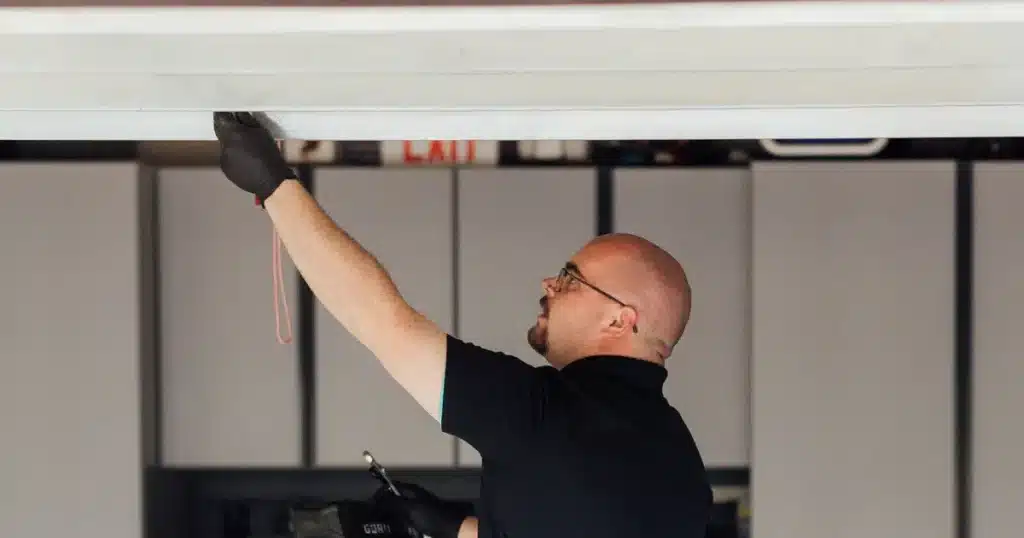
Professional Help for Chamberlain Garage Door Opener Keypad Code Changes
Changing the code on a Chamberlain garage door opener keypad helps protect access to the garage while keeping daily entry more consistent for homeowners. Ongoing programming problems can point to signal interference, opener memory issues, or keypad wear that prevents the new code from working properly.
First Call Garage Doors provides keypad and garage door service for homeowners in Richmond, TX, who need help with access issues that persist after a code change. If your Chamberlain garage door opener keypad still will not accept a new PIN or respond normally, contact us or give us a call today for professional help with your garage door system.
Frequently Asked Questions
Does changing the keypad code affect garage door remotes?
No. Changing the keypad code usually does not remove or reprogram garage door remotes already stored in the opener, even on a universal garage door opener setup. Remote devices and keypad PIN settings are usually stored separately within the system memory.
How often should a keypad entry code be updated?
A keypad entry code should be updated whenever access changes or the current PIN is no longer limited to trusted users. Many homeowners also change it periodically on a universal garage door opener keypad to keep the garage entry more controlled over time.
Can a Chamberlain keypad stop accepting new codes over time?
Yes. Aging buttons, internal electronic wear, or signal issues can make it harder for a keypad to store updated PIN information. A chamberlain wireless garage door keypad that has been exposed to outdoor conditions for years may also begin to show inconsistent responses during programming attempts.
Will a power outage erase the keypad code?
No. A power outage usually does not erase the keypad code because the opener keeps stored programming in memory, whether the system is LiftMaster, Chamberlain, or another compatible brand. Code loss after an outage may indicate another issue with the opener or keypad electronics.
Can more than one keypad be connected to the same opener?
Yes. Many opener systems can support more than one keypad if each unit is programmed correctly, including setups connected to a Craftsman garage door opener. System limits, opener model, and memory capacity can affect how many entry devices the opener will accept.
Does changing the code also affect smart access settings?
No. Changing the keypad code usually does not affect smart access settings linked through myQ or other connected features. Smart access tools communicate separately from the keypad system unless the entire opener configuration is reset.
Why does the keypad blink but not save the new PIN?
Blinking without saving the new PIN usually means the programming sequence did not finish correctly or the opener did not accept the signal. In some cases, the chamberlain garage door opener keypad program process is interrupted by weak batteries, wifi interference, or stored memory conflicts.
Can weather exposure affect keypad performance?
Yes. Rain, humidity, heat, and temperature swings can wear down keypad buttons and affect internal electronics over time, whether the unit is paired with Genie, Chamberlain, or Craftsman systems. Long-term exposure can also reduce the keypad's consistency during code entry.
Is it better to replace the keypad rather than change the code again?
Yes, in some cases. Replacement often becomes the better option when repeated programming attempts fail, and the keypad shows worn buttons, weak response, or internal damage, even if the model originally offered easy installation, a video keypad interface, or a one year warranty.